Project - New/Edit
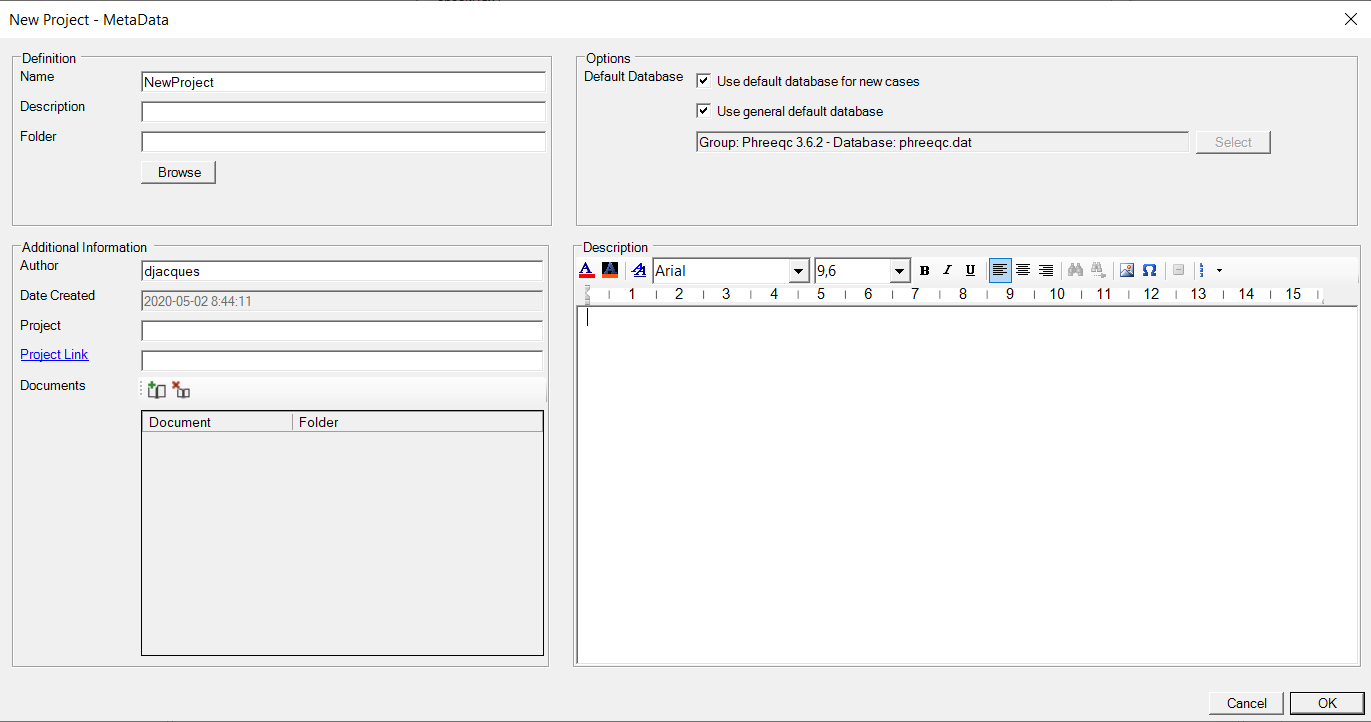
This form is used to add information about a project - see Metadata Form.
Option for default database
The Metadata Form for new project or for editing projects adds the option to select the default database for new simulation cases.
|
Checkbox Use default database for new cases |
When checked, a new case will use the default database. |
|
Checkbox Use general default database |
When checked, the default database for this project is the general default database which is set in Settings - Database. When not checked, a project-specific default database can be selected via the Select button that opens the Database Manager. |
|
Textbox |
Shows the current selected default database for the project. |