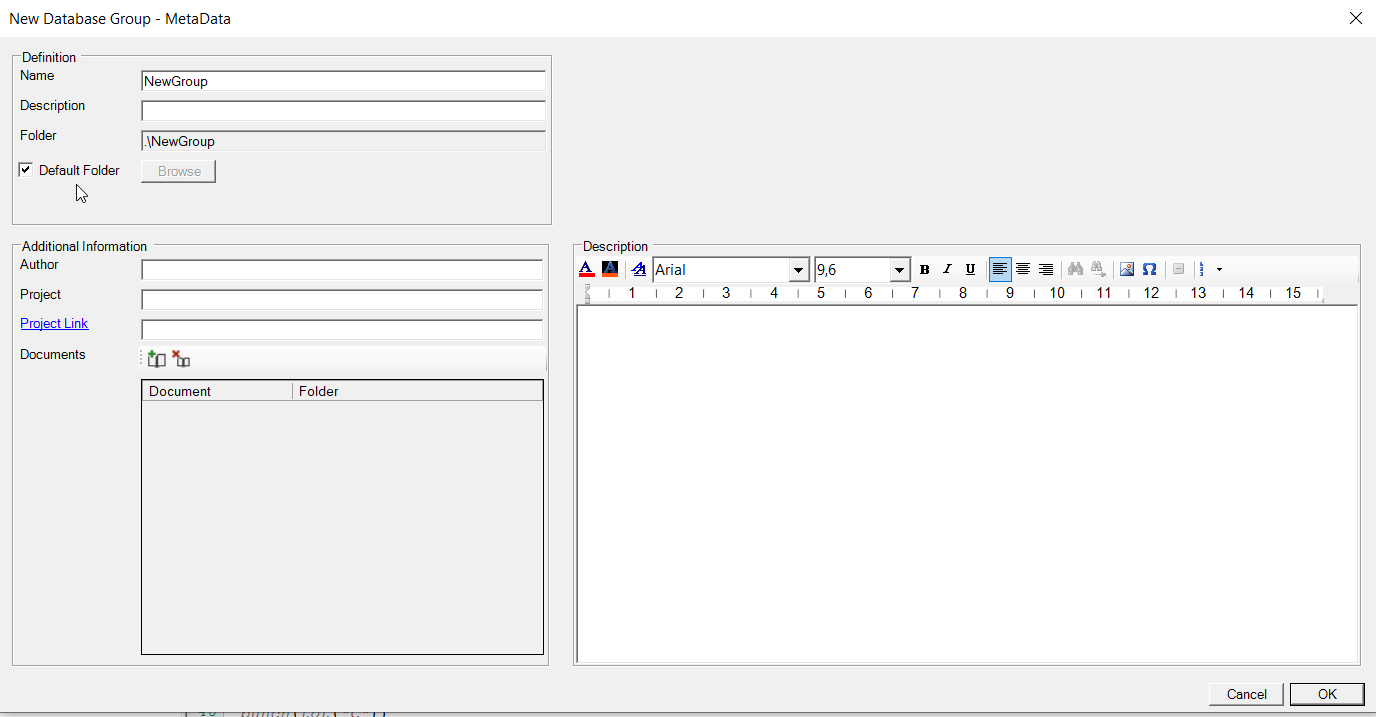
Database Group - New Group
Two options are available to define the default folder of a database group.
- if Default Folder is checked, the default folder for a database group is a subfolder in folder that is defined by the HYDRUS graphical user interface (e.g., in HYDRUS1D GUI, you choose Options -> Program Options..., and change the path to Directory for HP1 databases. You need administrative rights to change it.). The subfolder Name is defined in the text box Name.
- if Default Folder is not checked, the user types the name of the folder in the text box Folder, or use the Browse button to select the folder.
Other fields are explained in Metadata Form.
Attention - The folder of database group linked to the default folder does not change automatically when the user selects another "Directory for HP1 databases" in the HYDRUS GUI. This new path is only valid for new database groups defined after it is changed.