Input
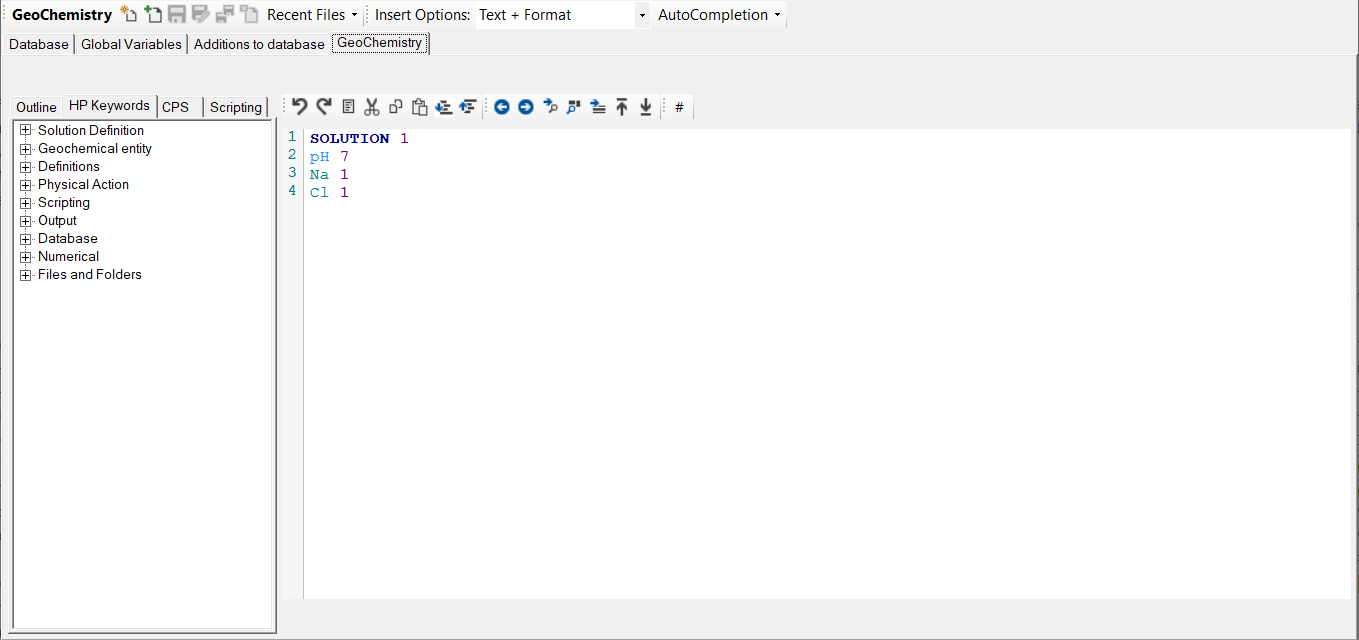
The Input Work Space contains two main parts.
In HPGeochemistry, following elements are available.
|
Toolstrip area |
The toolstrip area shows the current selected input panel and contains: |
|
Tab pages |
Different input panels:
|
In HYDRUS 5.x, following elements are available
|
Toolstrip area |
The toolstrip area shows the current selected input panel and contains: |
|
Tab pages |
Different input panels:
|
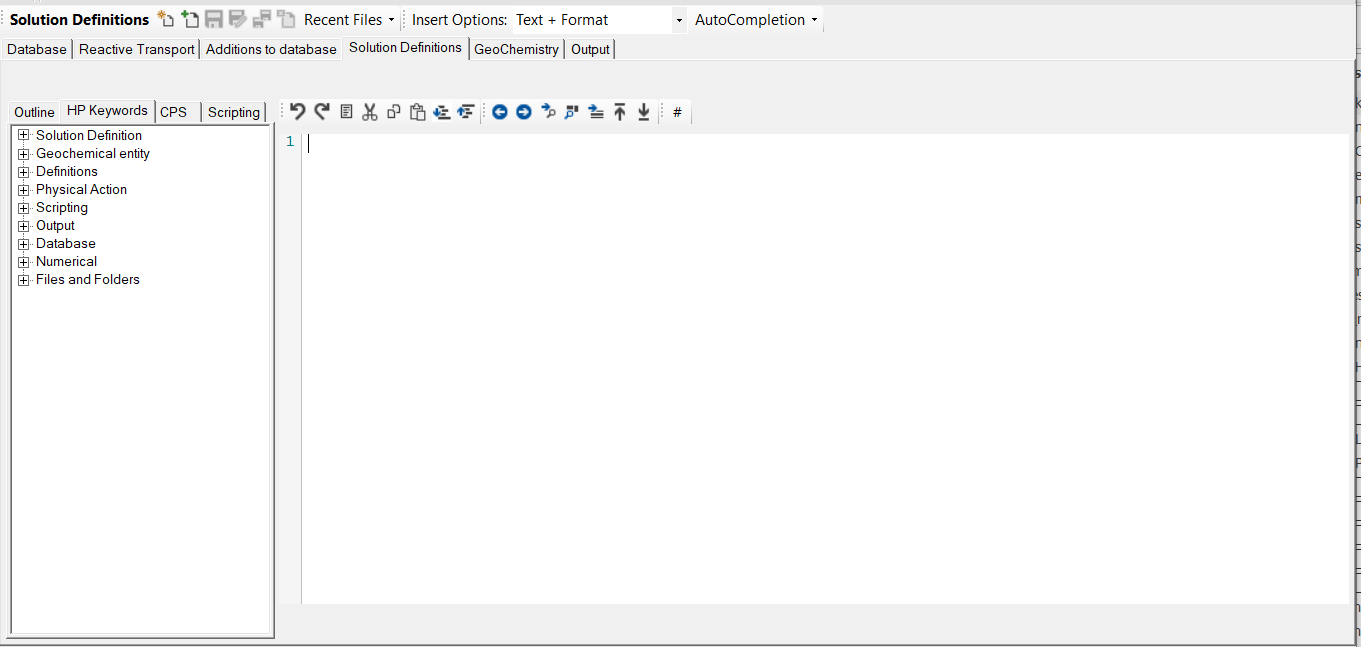
The input panel contains two main parts:
|
At the left hand side, the panal has different tabs for facilitating input. |
|
|
At the right hand side is the work area for creating the input for the simulation. |
Subtopic:
- Toolstrip - Adding, Saving and Closing Input Tabs
- Toolstrip - Template and Autocompletion
- Input Text Editor
- Panel - Database
- Panel - Reactive Transport
- Panel - Global Definitions
- Panel - Input files