HPx - Output for transport
The dialogue window for viewing simulation results of a reactive transport simulation is started from the post-processing panel of the graphical user interface of HYDRUS by clicking the HP1 - Output option.
The figure below shows the dialogue window.
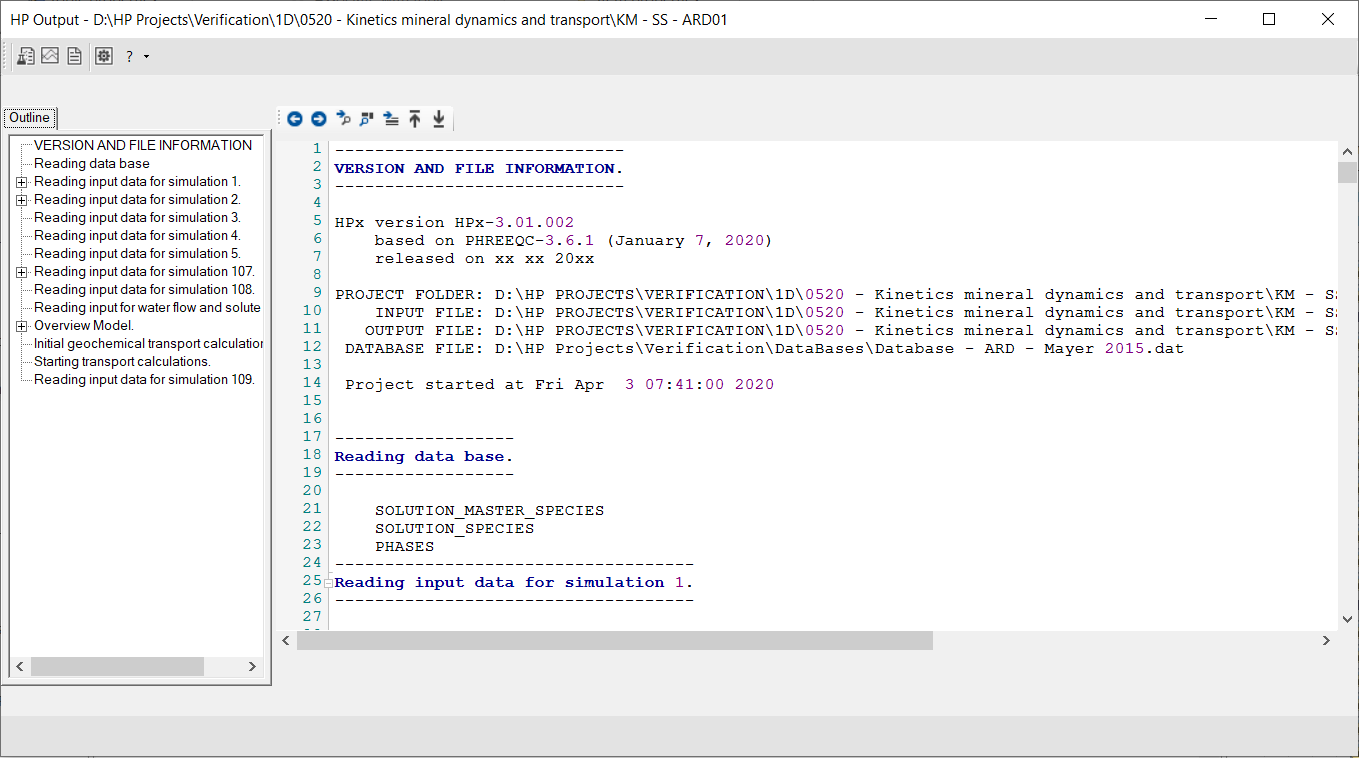
Main menu
|
|
Go to Phreeqc Out Workspace that shows the text file phreeqc.out. |
|
|
Go to Graph Workspace |
|
|
Go to Datafile Workspace |
|
|
|
|
|


